
Remember when AI tools seemed like science fiction? Now they’re as common as coffee in our workday. From crunching numbers to helping us write that dreaded quarterly report, these digital sidekicks are changing how we work – and Microsoft Copilot has been leading the charge for many Microsoft 365 users.
But here’s the thing: while Copilot is great, it’s a bit like having a Swiss Army knife that only works in Switzerland. It’s fantastic if you live and breathe Microsoft, but let’s be honest – it has some real limitations. I’ve found its Excel analysis particularly frustrating – the results are often hit-or-miss, and sometimes just plain subpar.
That’s why I’ve put together this guide to 10 alternatives that might fit your needs better. Think of it as a matchmaking service – whether you’re a data wizard looking for your perfect analytical partner, a writer seeking your ideal wordsmith, or a coder in need of a more sophisticated assistant, I’ve got you covered.
Want to find your perfect AI match? Let’s dive in.
1. Vallo.ai – Data Analysis and Visualization

Best for: Advanced Excel Analysis and Reporting
Key Features:
- Perform in-depth analysis powered by scientific libraries that go beyond Excel’s built-in formulas.
- Upload Excel files once and reuse them across multiple workbooks, making workflows more efficient.
- Build advanced charts and visualizations that surpass Excel’s capabilities.
- Share interactive reports securely with teammates and stakeholders.
- Focus on privacy—your data stays securely on the platform and is never shared with external tools like ChatGPT.
Why Choose Vallo.ai? Vallo.ai is ideal for data analysts and business professionals who need powerful reporting and privacy-first tools for Excel file analysis.
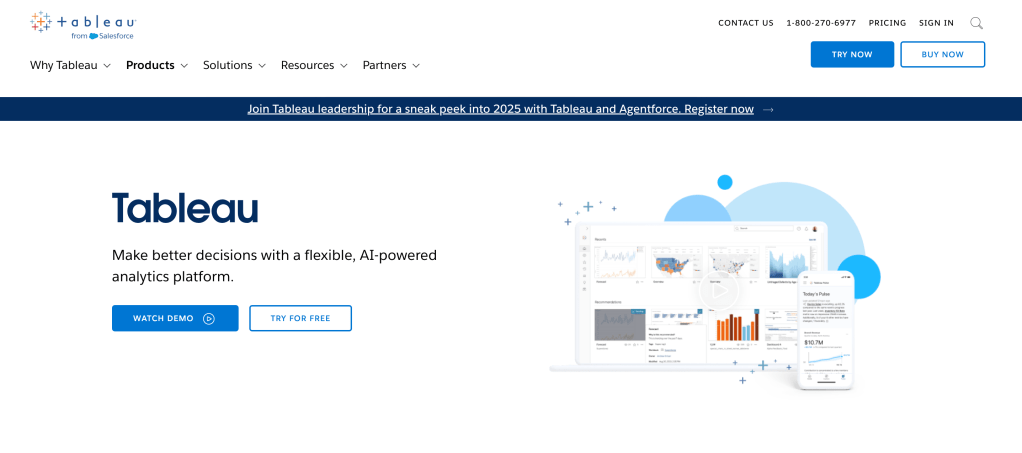
2. Tableau – Business Intelligence and Dashboards
Best for: Data Visualization and Analytics
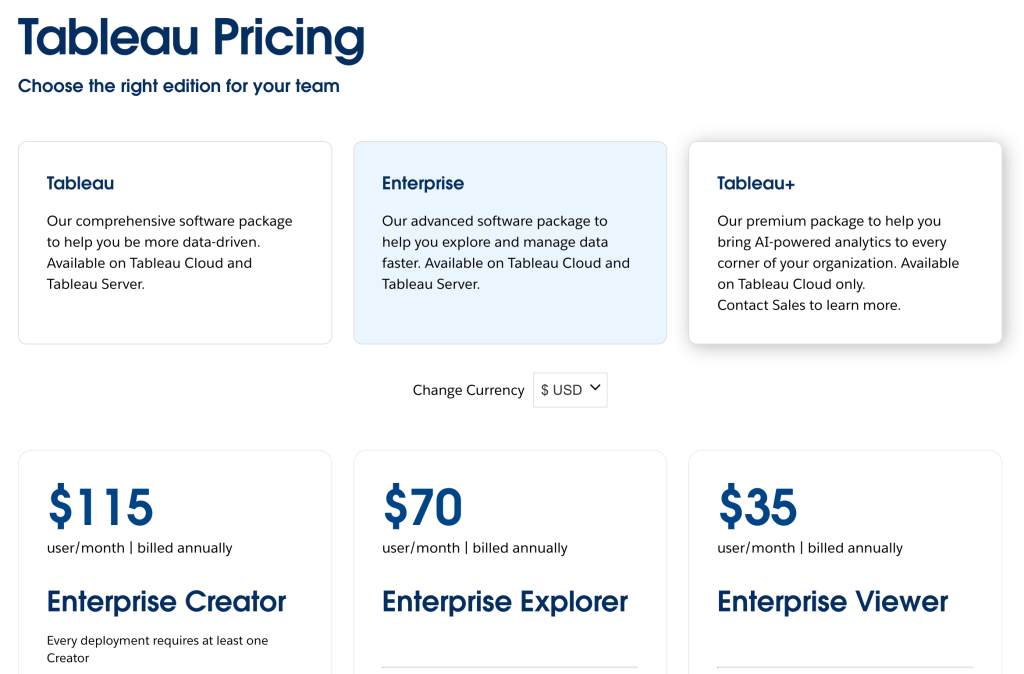
Why Choose Tableau? Tableau is a leader in visual analytics, making it ideal for teams requiring powerful data insights. However, it can be pricey—Creators or Admins are $115/month (billed annually), and additional users cost $70/month (billed annually). Additionally, the setup process can be complicated, which may require dedicated time and resources to configure properly.
Key Features:
- Connects to multiple data sources for real-time reporting.
- Drag-and-drop functionality for dashboards.
- Predictive modeling and AI-driven insights.
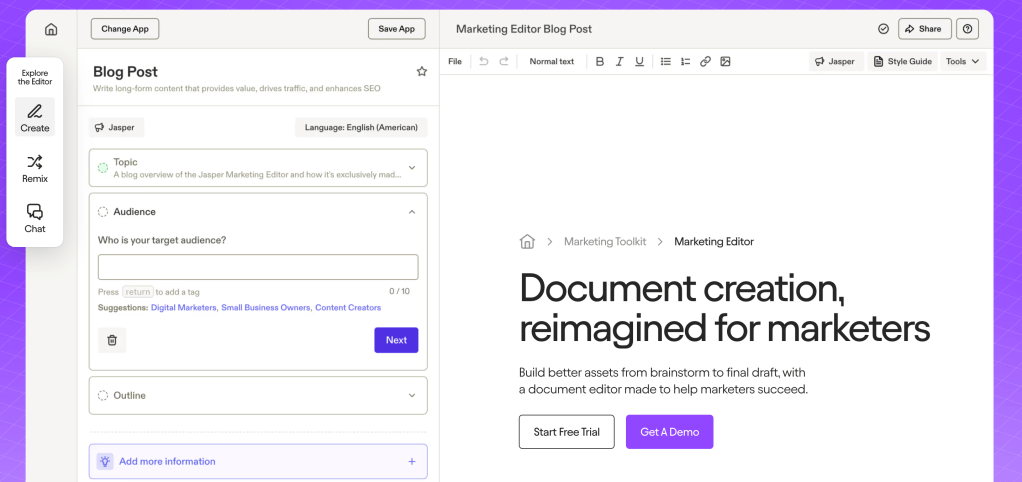
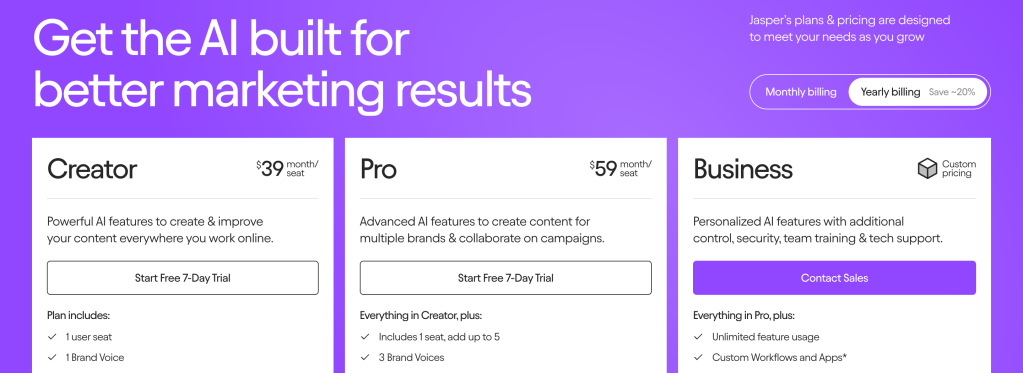
3. Jasper – AI Content Creation
Best for: Blog Writing and Marketing Copy
Key Features:
- AI-generated text for articles, ads, and emails.
- Built-in SEO tools for optimization.
- Pre-made templates for quick content generation.
Why Choose Jasper? Jasper is perfect for content marketers and bloggers looking to create AI-powered written content quickly.
4. Otter.ai – AI Transcription Tool
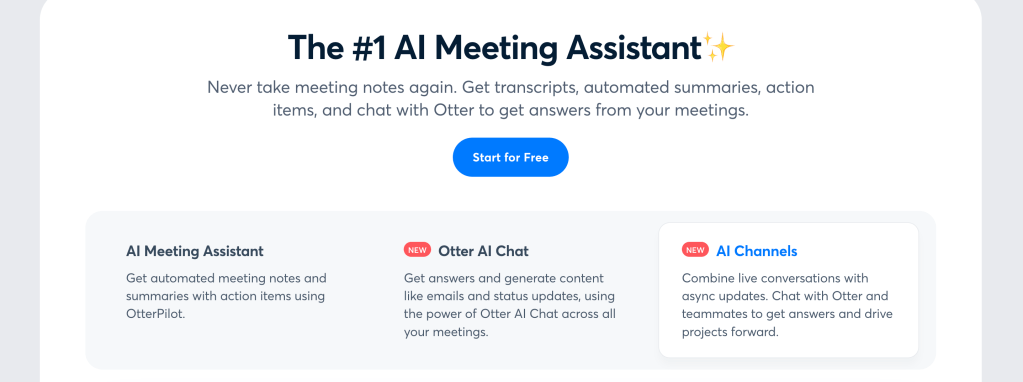
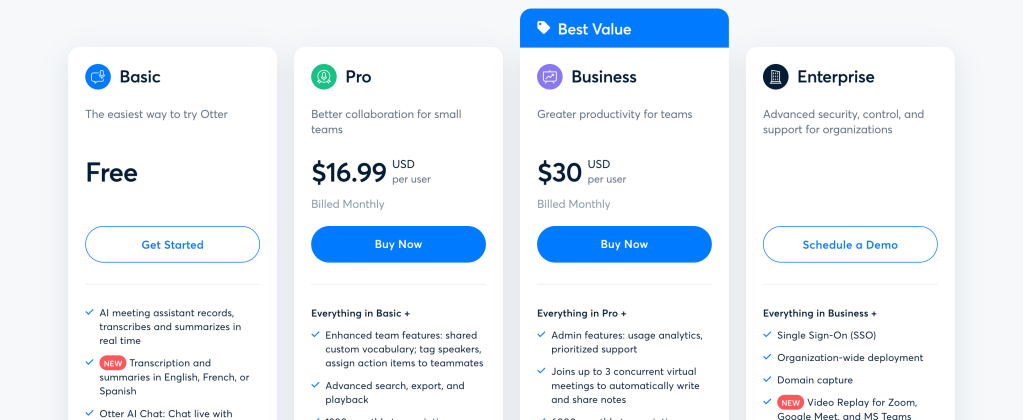
Best for: Meeting Notes and Voice-to-Text
Key Features:
- Real-time transcription and AI-generated summaries.
- Integrates with Zoom, Teams, and Google Meet.
- Action items and keyword tracking.
Why Choose Otter.ai? Otter.ai simplifies note-taking, making it great for teams relying on accurate transcripts.
5. Grammarly – AI Writing Assistant

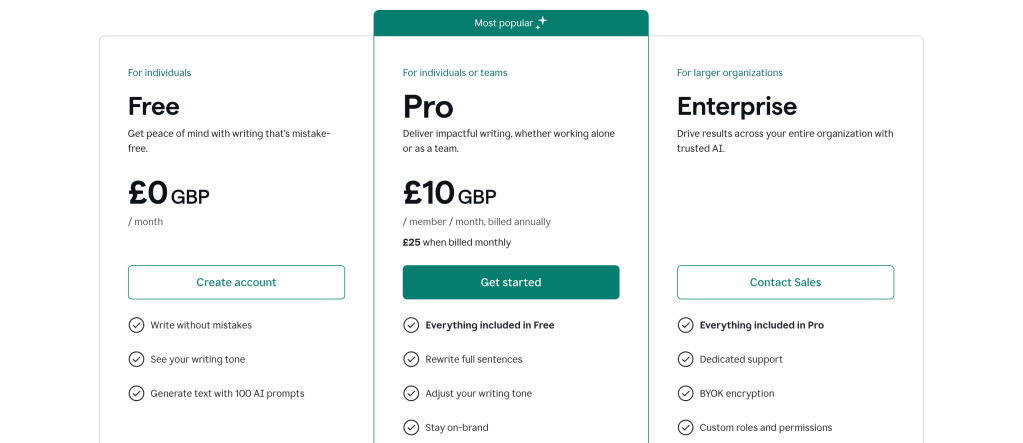
Best for: Editing and Proofreading
Key Features:
- Checks for grammar, tone, and clarity.
- Built-in plagiarism checker.
- Integrates with Word and Google Docs.
Why Choose Grammarly? Grammarly is an indispensable tool for polishing content and ensuring grammatical accuracy.
6. Canva – Design and Presentation Tool
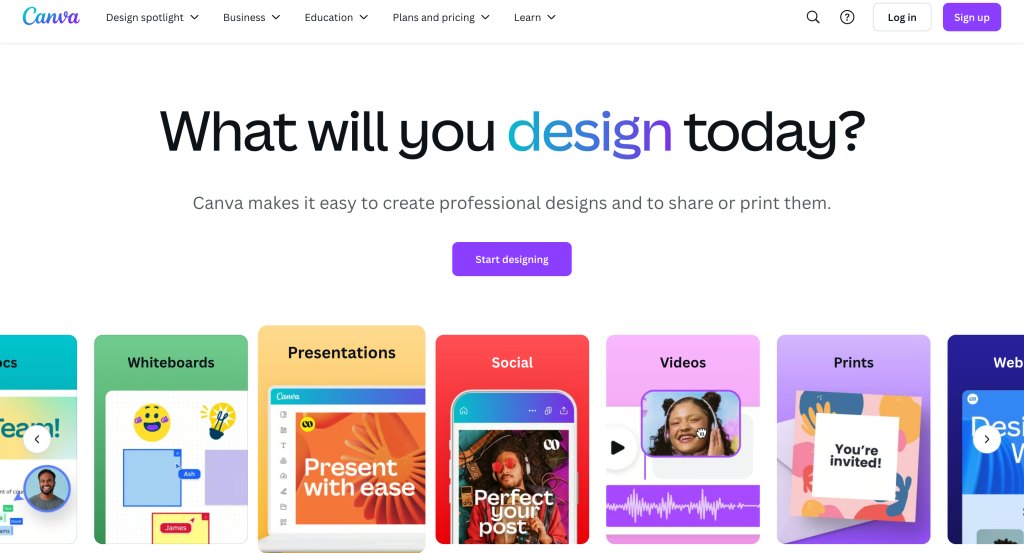
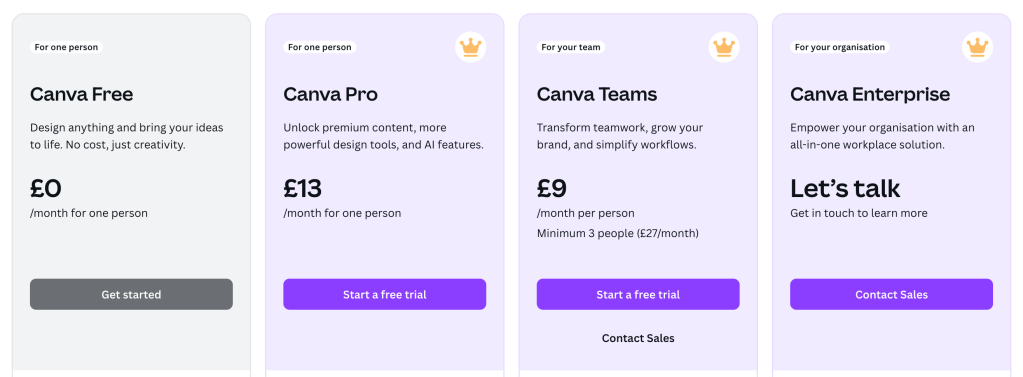
Best for: Visual Content Creation
Key Features:
- Drag-and-drop design interface.
- Pre-designed templates for presentations, graphics, and social media.
- AI design suggestions and collaboration features.
Why Choose Canva? Canva is ideal for non-designers who need professional visuals quickly.
7. Tabnine – AI Coding Assistant
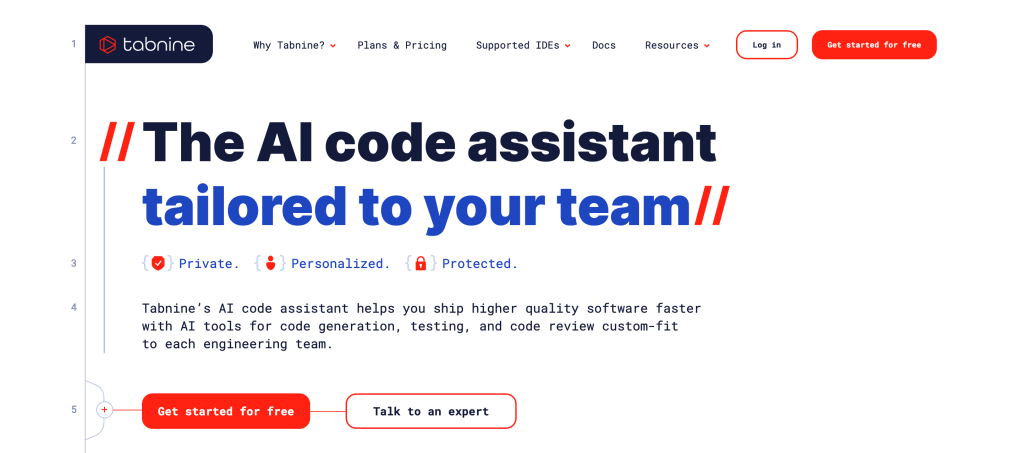
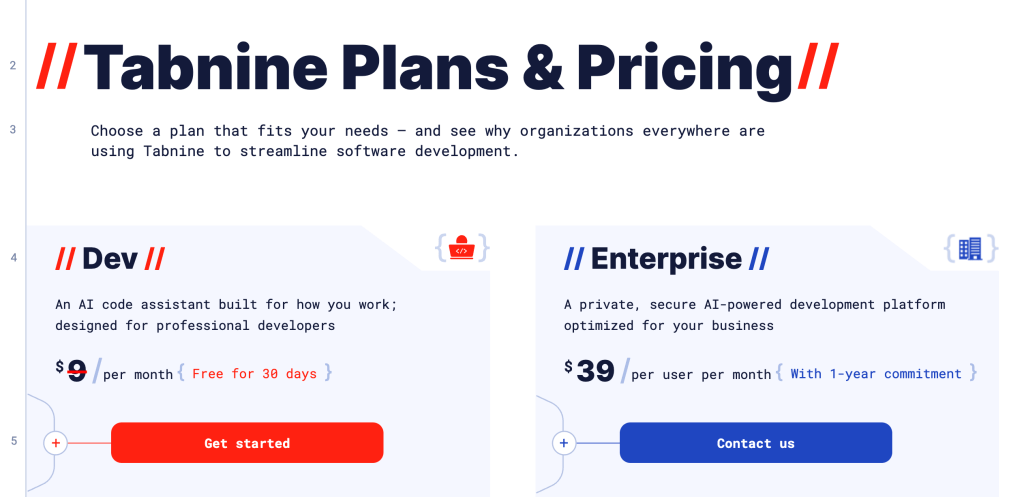
Best for: Code Generation and Completion
Key Features:
- AI-powered code completion and suggestions.
- Supports multiple languages and editors.
- Context-aware coding assistance.
Why Choose Tabnine? Tabnine speeds up development by suggesting relevant code snippets and automating repetitive tasks.
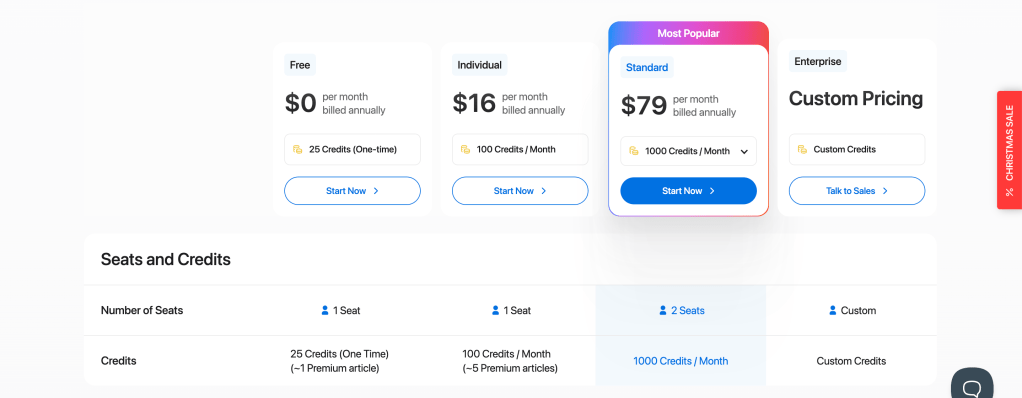
8. Writesonic – SEO and Marketing Content
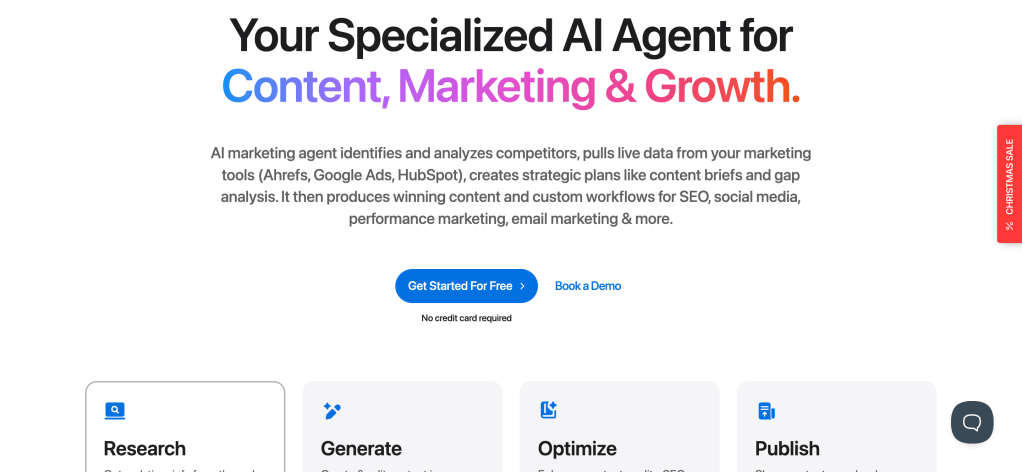
Best for: AI Writing and SEO Optimization
Key Features:
- AI-generated blogs, ads, and social media content.
- Built-in keyword optimization tools.
- Integrates with WordPress and Zapier.
Why Choose Writesonic? Writesonic is great for marketers who need SEO-focused AI-generated content quickly.
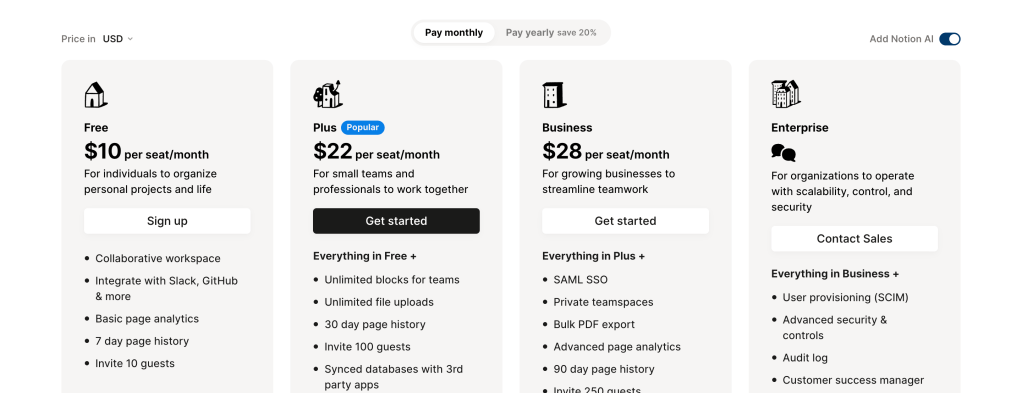
9. Notion AI – Knowledge Management and Organization
Best for: Note-Taking and Project Management
Key Features:
- AI-generated notes and task tracking.
- Integration with databases and workflows.
- Flexible templates for planning and organization.
Why Choose Notion AI?
Notion AI is excellent for teams that need help with structured project management and centralized knowledge storage.
Final Thoughts
Microsoft Copilot is useful, but it’s not the only AI assistant worth considering. Whether you need powerful data analysis tools like Vallo.ai, visual dashboards with Tableau, or coding support through Tabnine, these alternatives can help you enhance your workflow and boost productivity. Explore these tools to find the perfect fit for your needs in 2025.
 Vallo Blog
Leave a comment